Create a Quote Using One Word: 7 Steps from Idea to Finished Line
A practical method for turning a single word into a specific, memorable quote without losing your own meaning or voice.

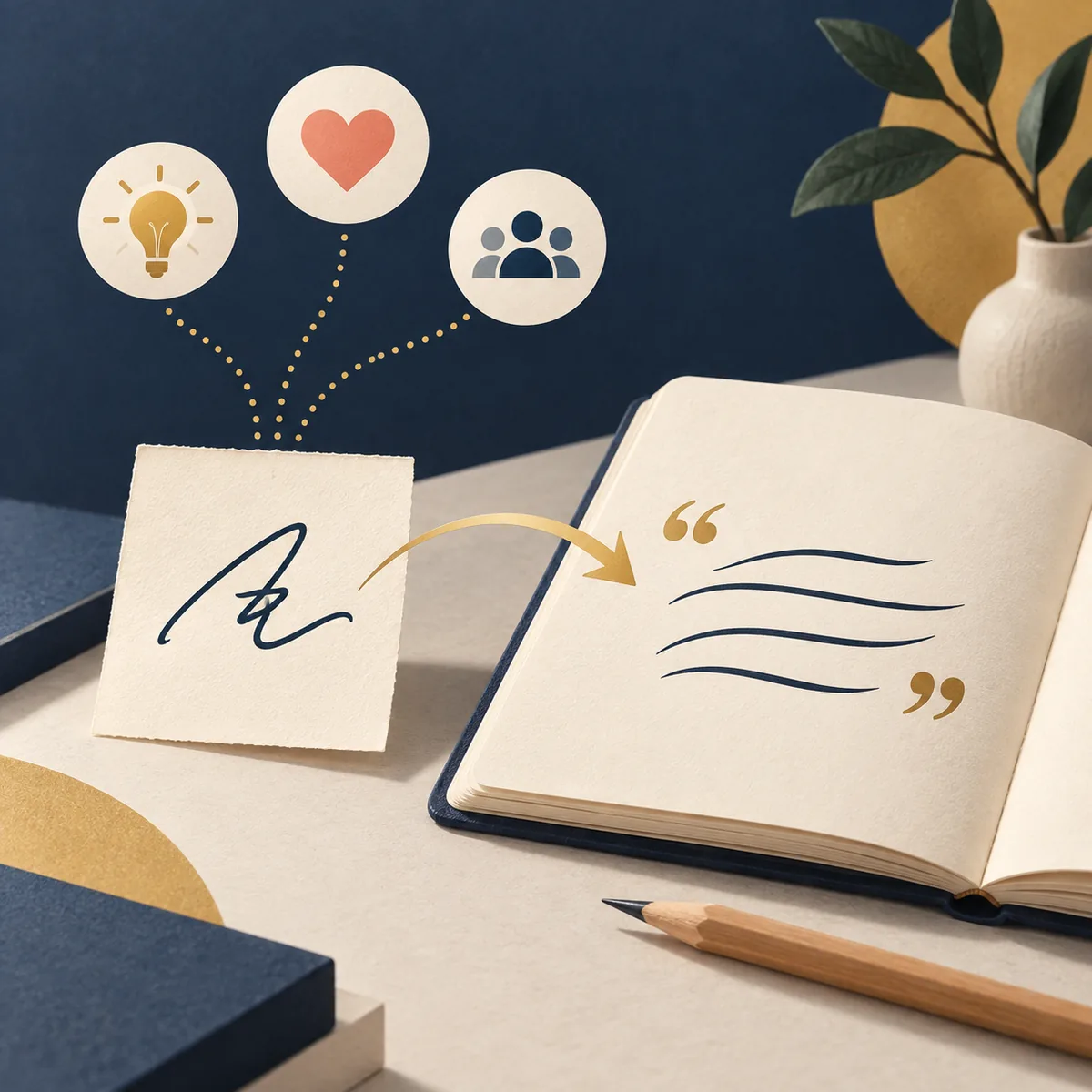
Create a quote using one word by adding meaning, audience, tone, and a concrete image to the starting idea.
In this guide
If you want to create a quote using one word, begin with the idea behind the word rather than forcing an impressive sentence immediately. A word such as courage, home, patience, or change can become a motivational line, a quiet reflection, a social caption, or a team message. The difference comes from the meaning and context you add. This guide shows how to make a quote from one word with a repeatable process: explore interpretations, choose one direction, give AI useful constraints, then edit the strongest draft in your own voice.
1. Define what the word means to you
A single word is powerful because it is open, but that openness is also the main challenge. If you type only “resilience,” a quote generator may return a familiar sentence about never giving up. That answer can be fluent and still miss the reason you chose the word. Before you ask for a finished quote, write one or two plain sentences explaining the experience, question, or feeling connected to it.
Your private explanation does not need to sound poetic. “Patience means continuing a daily practice while the result is still invisible” gives the writing process a direction. “Home means the person who makes an unfamiliar place feel safe” creates a different direction. Both are more useful than asking for a beautiful quote about patience or home with no point of view.
- Write the word exactly as it first came to you.
- Describe the situation that made the word feel important.
- Name the change, lesson, or question you want the reader to notice.
The best starting question
Ask: “What do I want this word to help someone see differently?” The answer is often more valuable than a long list of synonyms.
2. Expand one word into a useful brief
Once you know the personal meaning, turn it into a short creative brief. A brief keeps the request focused while leaving enough room for different wording. Include the core word, the intended idea, the emotional direction, and the type of reader. You can also ask for several options rather than one final answer. Comparing drafts helps you notice which interpretation feels true and which one is only a familiar cliché.
A useful brief might say: “Use the word patience to explore the quiet work of practicing before anyone notices. Write five original one-sentence quote ideas for a student who is learning a difficult skill. Keep the tone calm and hopeful, use one concrete image, and avoid famous quotations.” This request gives the model a subject, point, audience, tone, shape, and guardrail.
- Name the seed: Give the one word and a short definition in your own language.
- Add the point: Explain the lesson, feeling, contrast, or question the quote should carry.
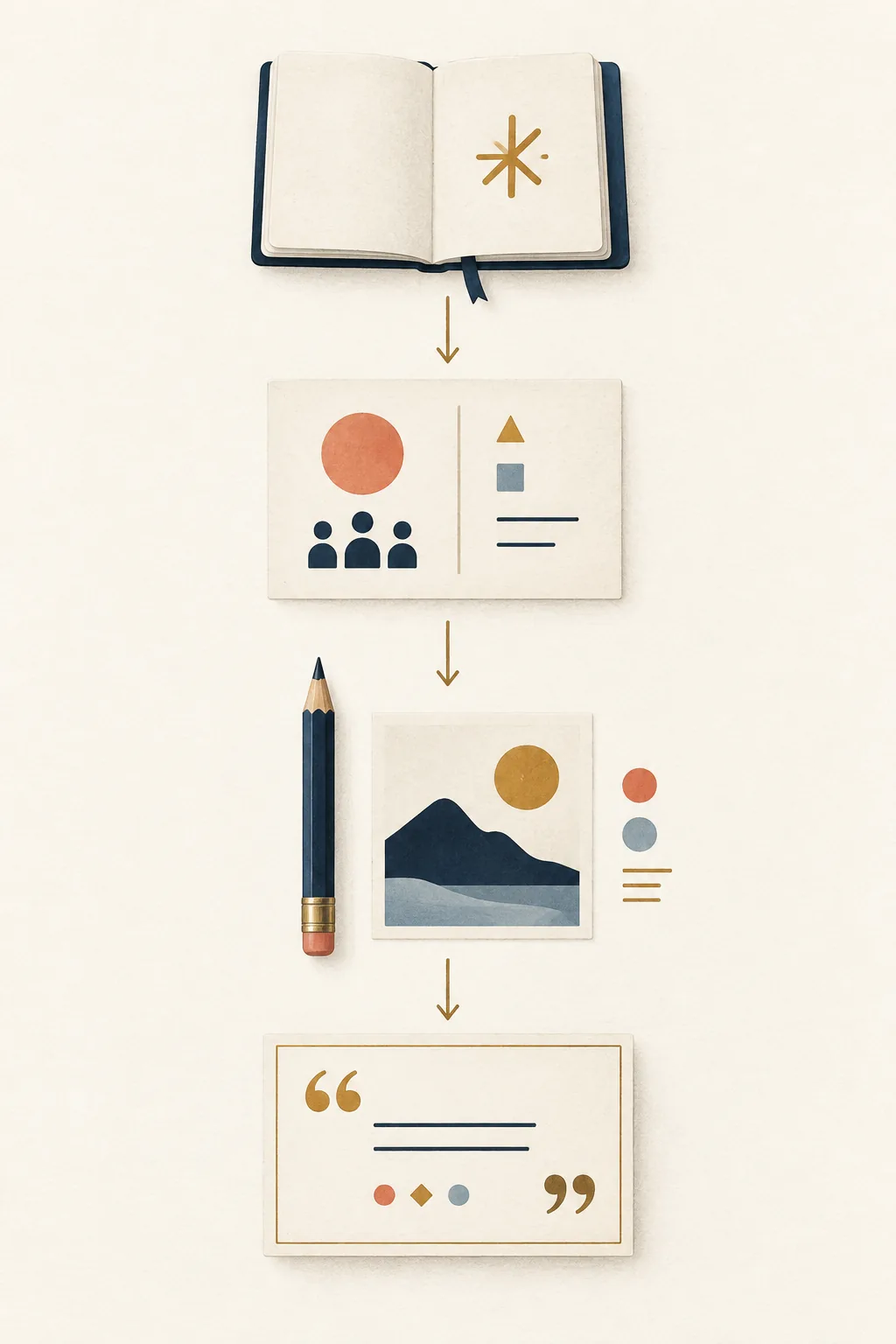
3. Choose the audience, tone, and shape
The same word can produce completely different quotes depending on the person reading it. “Courage” for a friend starting over may need warmth and permission to move slowly. “Courage” for a team presentation may need a concise, action-oriented voice. “Courage” for a humorous caption can use contrast and a lighter ending. Audience and use case are not extra decoration; they determine what the line should do.
Tone is easier to control when you describe it with a situation instead of one broad adjective. Rather than saying “make it inspirational,” try “quietly hopeful, honest about uncertainty, and suitable for someone taking a first step.” For a professional line, specify “clear and confident without sounding like a slogan.” These descriptions give the model a boundary while keeping the writing natural.
- Audience: a friend, student, customer, team, follower, or general reader.
- Tone: calm, warm, bold, thoughtful, funny, professional, or gently challenging.
- Use: journal, social caption, presentation, card, newsletter, classroom, or poster.
4. Add a concrete image, tension, or turn
Generic quotes often happen because the prompt stays at the level of abstract nouns. A concrete image gives the reader something to see: a door left open, a cup filled one drop at a time, a path marked by repeated footsteps, or a light kept on during a storm. The image should serve the idea rather than become decoration. Ask for two or three possible images, then keep the one that feels closest to the original meaning.
A memorable line also benefits from movement. It may move from doubt to action, noise to quiet, waiting to practice, or a small choice to a larger result. This does not mean every quote needs a dramatic twist. A gentle contrast can be enough: “Patience is not standing still; it is giving small work time to become visible.” The sentence works because it changes the reader’s first assumption about the word.
A simple revision test
Underline the abstract words in the draft. Replace one of them with an action, object, place, sound, or physical detail that the reader can imagine.
5. Edit, compare, and review responsibly
AI can produce polished language quickly, but fluency is not the same as originality or accuracy. Read every draft aloud and ask whether it sounds like something you would actually say. Remove repeated phrases, inflated claims, and words that only exist to make the sentence feel grand. If two options express the same idea, keep the clearer one and change the rhythm rather than adding more adjectives.
Compare the strongest draft with your original note. Does it preserve the meaning, or did it introduce a promise, fact, emotion, or conclusion that was never there? If the line is a paraphrase of a book, speech, or personal source, do not put it in quotation marks as if it were verbatim. When attribution matters, verify the source separately. A quote generator can help with a draft; it cannot prove who said a sentence.
- Read it aloud for rhythm and awkward pauses.
- Check that the line still means what the seed word meant to you.
- Remove claims that cannot be supported by the original context.
6. Make several quote directions from the same word
One word can support a small set of related quote ideas instead of one forced answer. Start with three different lenses: a personal meaning, a practical lesson, and a visual metaphor. For “change,” the personal lens might describe leaving a familiar routine, the practical lens might focus on one repeatable action, and the visual lens might use a bridge or an open window. Each lens gives the same word a different job.
A series is useful when you are planning several posts, a presentation, a newsletter, or a journal exercise. Ask AI to keep the core theme consistent while changing the tone, length, and image. Then select only the lines that add something new. Five versions that repeat the same idea are less useful than three clearly different directions that you can revise.
- Meaning lens: what the word reveals about a real experience.
- Action lens: what the reader can do, practice, or remember.
- Image lens: what object, place, or small scene makes the idea visible.
One-word quote examples and prompts
The examples below show how a seed word becomes more useful when the prompt adds a point of view, reader, tone, and output shape. The sample results are original drafts for demonstration, not attributed quotations.
| Seed word | Useful instruction | Possible result |
|---|---|---|
| Patience | Write three calm one-sentence lines for a student practicing a difficult skill. Use a growing plant as the image and avoid clichés. | Patience is the quiet work of watering a future you cannot see yet. |
| Home | Create a warm quote for someone moving to a new city. Do not define home as a building; use a human detail. | Home begins where one familiar voice makes an unfamiliar room feel possible. |
| Courage | Write a concise professional line about making a careful decision with incomplete information. Keep it confident, not dramatic. | Courage is choosing the next responsible step before the whole road is clear. |
Choose the next quote workflow
Use the workflow that matches what you already have: a single word, a rough note, a visual idea, or a need for quick variety.
Turn a note into a quote
Use the quote generator from text when you already have a sentence or short paragraph and want a concise, editable version.
Try quote from textExplore quick directions
Open the random quote generator when you want category-based inspiration before choosing a more specific idea.
Browse random quotesFrequently asked questions about creating a quote from one word
Can I create a quote using one word?
Yes. One word is enough to start exploring a theme, but the result becomes more useful when you add the meaning, audience, tone, and length you want. Ask for several directions and edit the best draft before using it.
How do I make a quote from a single word without sounding generic?
Explain a real situation connected to the word, give the reader a specific context, and request a concrete image or gentle contrast. Avoid asking only for an inspirational quote about a broad abstract noun.
What is the difference between a one-word quote generator and a regular quote generator?
A one-word workflow starts with a minimal seed and helps you expand it into a brief. A regular quote generator may begin with a detailed topic, audience, or use case. You can use both, but the input and editing process are different.
Should the seed word appear in the final quote?
Not necessarily. Keeping the word can make the message clear, while replacing it with an image or action can make the line more memorable. Ask for direct and indirect versions, then choose the one that keeps your meaning.
Start with one word, then make the meaning yours
A strong quote is rarely hidden inside a single perfect prompt. Begin with the word that matters, add the context only you can provide, and use AI to explore language you can question, edit, and make your own.
Try the quote generator from text