Quote Generator from Text: How to Turn Notes into Clear Quotes
A practical method for extracting one useful idea from a note, shaping it into a quote, and checking the result before you publish or share it.

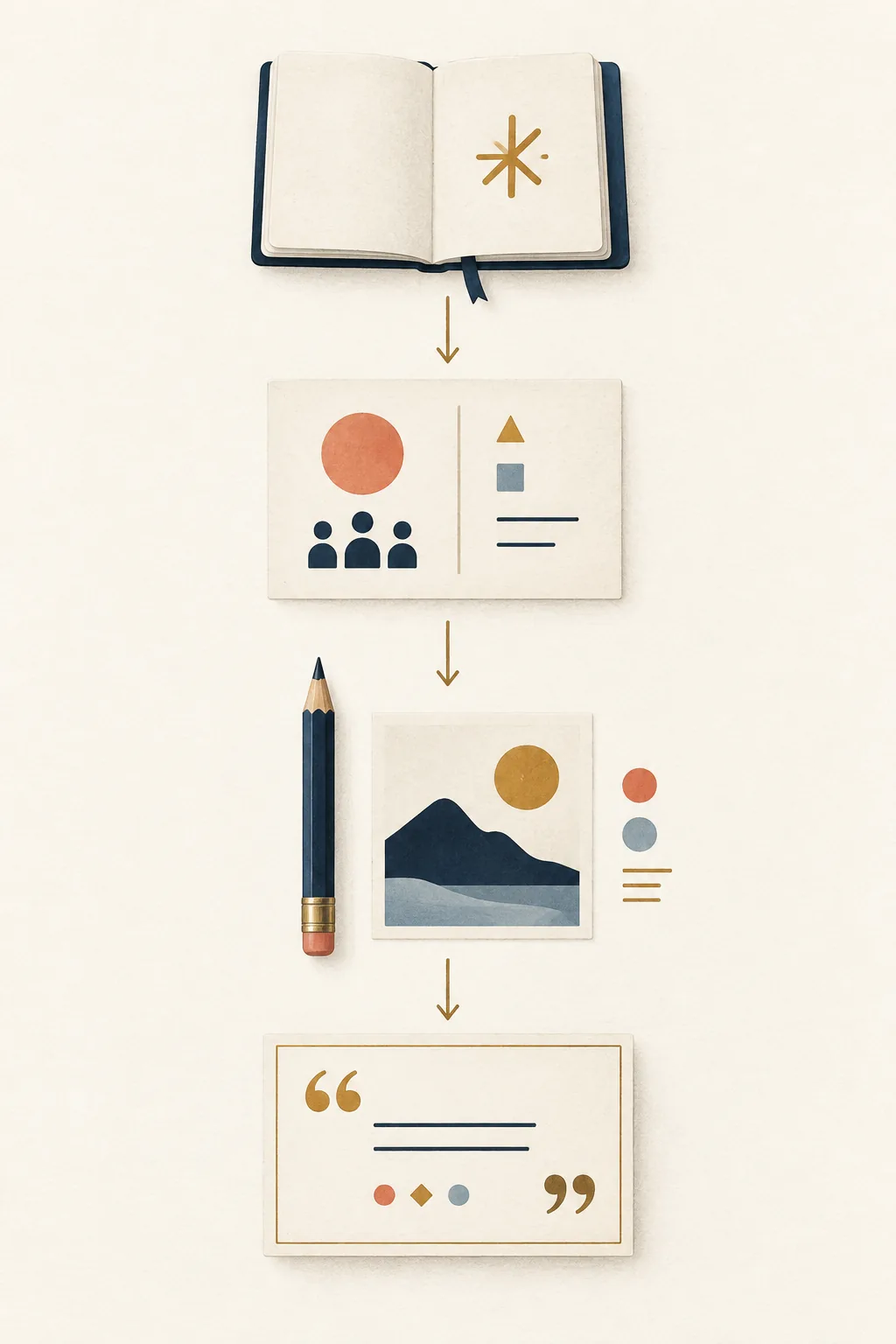
A useful text-to-quote workflow keeps the original idea visible while the wording becomes shorter and clearer.
In this guide
A quote generator from text is most useful when you already have a sentence, note, review, or short paragraph but it does not yet work as a memorable line. The goal is not to shorten every word mechanically. The goal is to identify the central idea, choose a reader and tone, then create a concise draft that you can check against the source. This guide explains the complete workflow, from preparing the text to labeling a paraphrase and selecting a final format.
1. Define the transformation before you paste text
Start by deciding what you want the output to do. A request to “make this a quote” can mean several different jobs: shorten a long sentence, polish a caption, extract a lesson from a paragraph, or write an original line inspired by a note. These jobs have different boundaries. A faithful paraphrase should preserve the source meaning, while an original quote draft may use a new image or rhythm without pretending to be a verbatim excerpt.
Write one sentence describing the task before opening the generator. For example: “Turn this project retrospective into one calm, first-person line for a team newsletter.” That sentence gives the model a purpose, audience, and format. It also gives you a test for the result. If the output sounds impressive but no longer answers the task, it is a bad transformation even when the grammar is smooth.
- Paraphrase: keep the source idea while changing its wording and length.
- Pull quote: select a meaningful line that can stand beside a longer article.
- Original draft: express the source insight in new language without claiming it is a quotation.
Name the boundary
If the final line must stay faithful to the source, say “do not add facts, promises, or emotions.” If you want creative wording, say “write an original draft inspired by this idea” and label it accordingly.
2. Prepare a focused and safe source note
Good input is usually short enough to understand in one reading. A single paragraph with one main idea gives the generator a clear center. If your draft contains several topics, split it into separate notes first. Remove greetings, repeated background, and side arguments that are not part of the quote you want. The better the source boundary, the less likely the output is to blend unrelated ideas.
Before pasting anything, remove confidential names, private client details, health information, passwords, unpublished plans, or other material that should not leave your working document. Use a neutral placeholder when context matters. For a book or article, work from a passage you are allowed to use and keep the citation separate. A generated sentence can be a paraphrase, but it should never be presented as a verbatim excerpt unless you have checked the original wording yourself.
- Choose one idea: Keep one insight, decision, feeling, or observation in the source note.
- Trim the setup: Remove names, greetings, and background that the final reader does not need.
3. Write instructions that preserve meaning
A useful instruction has four parts: the source, the transformation, the reader, and the limits. Start with the source in plain language, then tell the tool whether to paraphrase, extract, or create an original line. Add the intended channel and length. “For a LinkedIn post” is different from “for a private journal,” and “under 18 words” is different from “one reflective sentence.” Specific constraints reduce generic output without forcing a rigid formula.
Ask for two or three clearly different options when you are still exploring. You can vary the image, tone, or sentence shape, then choose one direction for editing. Avoid asking for “the perfect quote,” because that encourages a polished answer before you have decided what must remain true. If the source contains a claim, tell the generator to keep the claim unchanged or to flag uncertainty instead of strengthening it.
- State the source: Explain what the note means and identify the sentence or idea that must survive.
- Name the operation: Choose paraphrase, pull quote, summary, caption, or original quote draft.
4. Edit the result and compare it with the source
Treat every generated line as a draft. Read it aloud and underline the words that carry the point. If the line has two unrelated messages, split it or choose one. Replace inflated adjectives with a concrete action, object, or decision. A memorable quote does not need to sound grand; it needs one clear idea, a natural rhythm, and enough detail for a reader to picture the meaning.
Now compare the draft with the original note sentence by sentence. Did the tool turn a possibility into a guarantee? Did it add a feeling that the writer never expressed? Did it change who is speaking? Remove any new claim that cannot be supported. For a source-based line, label it as a paraphrase when the wording is new. For an original line inspired by a note, do not use quotation marks or a real person's name unless you have a separate, reliable source.
- Read the line aloud and remove awkward pauses or repeated phrases.
- Check that the subject, speaker, time, and certainty match the source note.
- Cut filler words and keep one concrete image or action when it helps the reader.
Fluency is not proof
A smooth sentence can still be inaccurate, copied, or wrongly attributed. Verification belongs to the editor, not to the generator.
5. Choose a format that fits the way the quote will be used
The same idea can need different wording in a card, a presentation, a newsletter, or a private note. A social caption may need a short line that survives without context. A presentation opening can use a slower rhythm and a clear pause. A quote card needs enough space for readable type, while a pull quote beside an article can be slightly longer because the surrounding paragraph supplies the explanation.
Tell the generator where the line will appear, then make the final decision in that setting. Place the text beside its image or heading, test it at the smallest expected size, and check that the meaning remains clear when the surrounding note is removed. If the line needs a source, put the citation outside the quotation marks unless you have verified the exact wording.
- Quote card: usually one or two short sentences with generous line spacing.
- Social caption: direct language, a clear audience, and a length that remains readable on mobile.
- Presentation: a line that can be spoken naturally and followed by your explanation.
Text-to-quote examples
Each example starts with a bounded source and names the transformation. The results are original drafts for demonstration, not attributed quotations.
| Source idea | Useful instruction | Possible result |
|---|---|---|
| Our team recovered after a launch delay by reviewing one small decision each morning. | Write three calm, original newsletter lines. Keep the lesson about daily review and avoid the words failure and success. | A delayed launch became progress when the team gave one small decision its full attention each morning. |
| I kept practicing a difficult skill even when improvement was hard to notice. | Create a reflective paraphrase under 18 words for a personal journal. Preserve the idea of quiet repetition. | Progress was the practice I could not see yet, repeated until it became part of me. |
| A customer said the clearest part of our guide was the example that showed the next step. | Turn this feedback into a concise original pull quote for an article. Do not invent a customer name or claim universal results. | Clarity begins when an example lets the reader see the next step. |
Choose the next quote workflow
Use the workflow that matches your starting material. The article helps you decide what to ask for; the tools help you create and format the next draft.
Start with your note
Paste a short idea into the quote generator from text and choose a tone and length for an editable draft.
Try quote from textExplore a topic
Use the main AI quote generator when you have a subject or feeling but no finished sentence yet.
Open AI quote generatorFrequently asked questions about quote generators from text
What is a quote generator from text?
It is a writing workflow that turns a note, sentence, or short paragraph into a concise quote draft. The safest use is to clarify or paraphrase an idea you already have, then compare the result with the source before publishing.
What text should I paste into the generator?
Use one focused, non-confidential idea. A short paragraph with a clear point is easier to preserve than a full document containing several topics. Remove private details and keep the original note for comparison.
Can the tool make a quote from a book or article?
It can help create a paraphrase or an original line inspired by an allowed passage, but the result should not be presented as a verbatim excerpt. Check the source wording and keep citation or attribution separate.
How do I stop the output from changing my meaning?
State the idea that must remain, name the transformation, and ask the tool not to add facts, promises, or emotions. Compare every draft with the source and remove any new claim.
Turn the next note into an editable draft
Bring one clear idea, set the transformation and audience, then compare the generated line with your source. A quote becomes useful when you can explain, verify, and revise it.
Try the quote generator from text